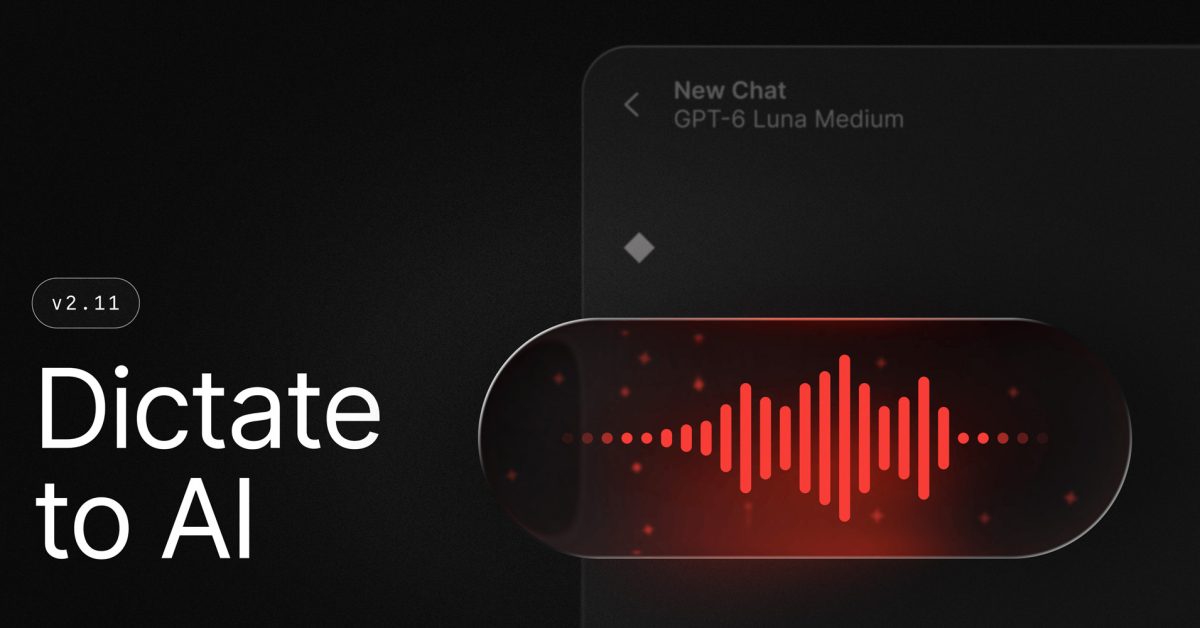
Raycast's launcher is turning into a voice-driven AI assistant for the Mac. Version 2.11, released November 4, adds Dictate to AI, a command that combines what you say with context from your focused app so you get a relevant answer "in fewer steps," in the changelog's words.
It builds on Screen Awareness, which 9to5Mac notes lets users bring context from the active app or window into AI Chat so they don't have to "copy text, attach screenshots, or explain what you're looking at." Dictate to AI removes the typing too: hit a hotkey, ask your question out loud, and Raycast supplies the on-screen context itself. Screen context can be switched off in the command's settings.
The release also includes a separate Dictation AI extension for using transcripts in AI Chat and managing styles, a Contacts AI extension that can search, create, update and delete contacts from chat, and a Mac menu bar command that tracks your AI usage in Raycast. Notes now supports images and unlimited notes for free users, and the iOS app gained a keyboard with AI writing tools.
Why it matters. Dictation and screen-aware assistants are where every platform vendor is heading, and Raycast is shipping the combination on today's Mac while others are still promising it. The usage meter is a quiet signal, too: as AI features pile up, people want to see what they're burning through.
What to watch. Sending your screen's contents to an AI model is a real privacy trade-off, and the off switch only helps if people know it's there. Raycast hasn't said, in the coverage I reviewed, how much of the window is shared or how it's stored, so check the settings before using it with sensitive work. And whether talking beats typing in an open office is a question only habit will answer.
— via 9to5Mac